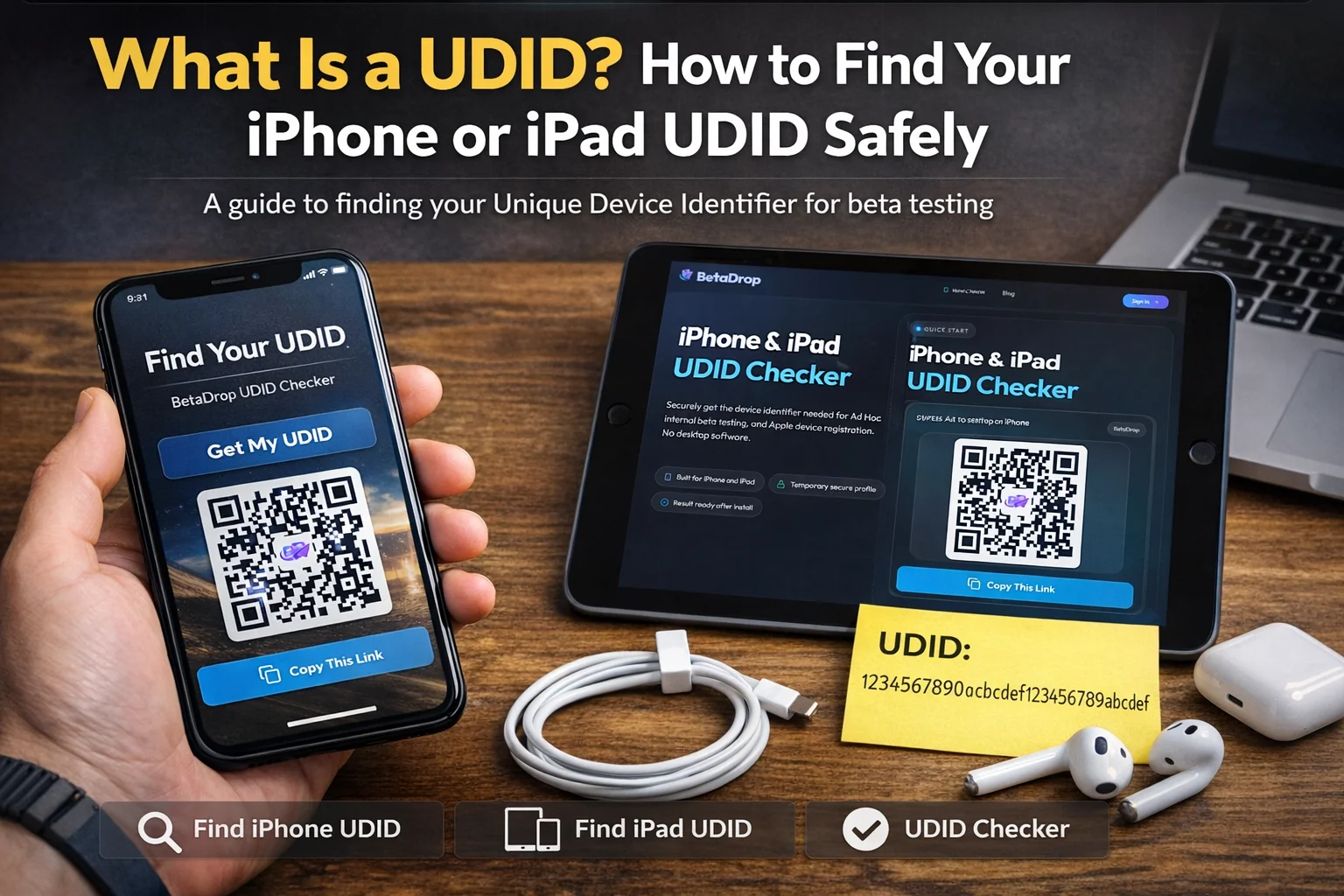
If an iOS developer, QA lead, or client success manager asks for your UDID, they are usually trying to register your device for beta testing. That request is common when a team uses Ad Hoc distribution instead of TestFlight and needs permission to install a build on a specific iPhone or iPad.
This guide explains what a UDID is, why beta testers are asked for it, and the safest ways to find it in 2026. It also shows why a browser-first flow like BetaDrop's UDID checker is often the fastest option for non-technical testers.
What is a UDID on iPhone or iPad?
UDID stands for Unique Device Identifier. It is a device-specific identifier used by Apple tooling and distribution workflows to distinguish one iPhone or iPad from another.
In practical terms, the UDID matters when a developer needs to register your exact device for a provisioning profile. That is why so many people search for terms like what is UDID, find iPhone UDID, and UDID checker right before a beta build is shared.
If you are testing an iOS build outside the App Store, the UDID is often the missing piece that lets the developer approve your device.
Why developers ask for your UDID for beta testing
Apple does not allow Ad Hoc builds to run on any random device. The developer has to add each tester's iPhone or iPad to a provisioning profile first. That profile is then embedded into the signed app build.
- Ad Hoc distribution: The app only installs on approved devices that have been added to the provisioning profile.
- External client review: Agencies and product teams often need a simple way to register client devices without asking them to install Xcode or connect to a Mac.
- Faster QA onboarding: A clean UDID capture process reduces support messages, copy-paste mistakes, and delays in release testing.
If you want more background on the Apple distribution side, see our guide to iOS Ad Hoc distribution and our breakdown of provisioning profiles.
The easiest way to find your UDID without a computer
The easiest route for most testers is to use a trusted web tool in Safari on the exact iPhone or iPad that needs registration. That is the approach BetaDrop uses.
- Open the BetaDrop UDID checker in Safari on the device you want to register.
- Start the check and allow the temporary configuration profile to download.
- Open Settings and tap Profile Downloaded or navigate to the profile installation screen manually.
- Install the temporary profile so Apple can return the device identifier to the checker.
- Return to the result page and copy or submit the UDID to the developer who requested it.
This method is popular because it avoids the friction of cables, Finder, iTunes, and desktop setup. It is especially useful for client stakeholders, remote QA teams, and non-technical testers.
How to find your UDID with Finder on Mac
If you have a Mac, Finder is still a valid option for locating the device identifier manually.
- Connect the iPhone or iPad to your Mac with a cable.
- Open Finder and select the device.
- In the device summary area, click the identifier line until the displayed value changes to the UDID.
- Copy the UDID and send it to the team handling provisioning.
This is workable for developers and internal QA, but it is not usually the best experience for external testers.
How to find your UDID on Windows
On Windows, testers usually rely on the Apple Devices app or iTunes if it is available.
- Connect the device to your Windows computer.
- Open the Apple Devices app or iTunes.
- Select the device summary screen.
- Click the serial number area until the value switches to the UDID.
- Copy the identifier and share it with the developer.
Best practices before you share your UDID
A UDID is not a password, but it still belongs in a trusted workflow. Good beta operations treat it as deployment data, not something to scatter across random forms or chat threads.
- Only share your UDID with a developer, QA lead, or platform you recognize.
- Prefer branded HTTPS pages so you know the registration request is coming from the correct team.
- If you use a profile-based checker, remove the temporary profile later if your team does not need it anymore.
Common UDID checker problems and quick fixes
The profile will not download
Retry in Safari. In-app browsers inside email, Slack, WhatsApp, or social apps often interrupt the Apple profile flow.
You cannot find the downloaded profile
Open Settings and look for Profile Downloaded near the top. If it is not shown, use the manual profile section in Settings and try the flow again.
The result page stays pending
Return to the browser after profile installation so the callback can complete. If you still get stuck, our UDID checker help page walks through the troubleshooting steps.
FAQ
Is UDID the same as serial number?
No. They are different identifiers. Developers usually need the UDID for provisioning workflows, not the device serial number.
Can I find my UDID on an iPad too?
Yes. The same Safari-based checker and desktop methods work for iPads as well as iPhones, as long as you run the process on the exact device you want to register.
Do I need a Mac to get my UDID?
No. That is why browser-based tools are so helpful. Most testers can complete the process directly on the device without Finder or Xcode.
Summary
If you only remember one thing, remember this: the safest low-friction way to get an iPhone or iPad UDID is to use a trusted Safari-based checker on the device itself.
That keeps beta onboarding simple for testers and keeps provisioning workflows faster for the teams shipping the app. When you are ready, open the BetaDrop UDID checker and start the registration flow.
