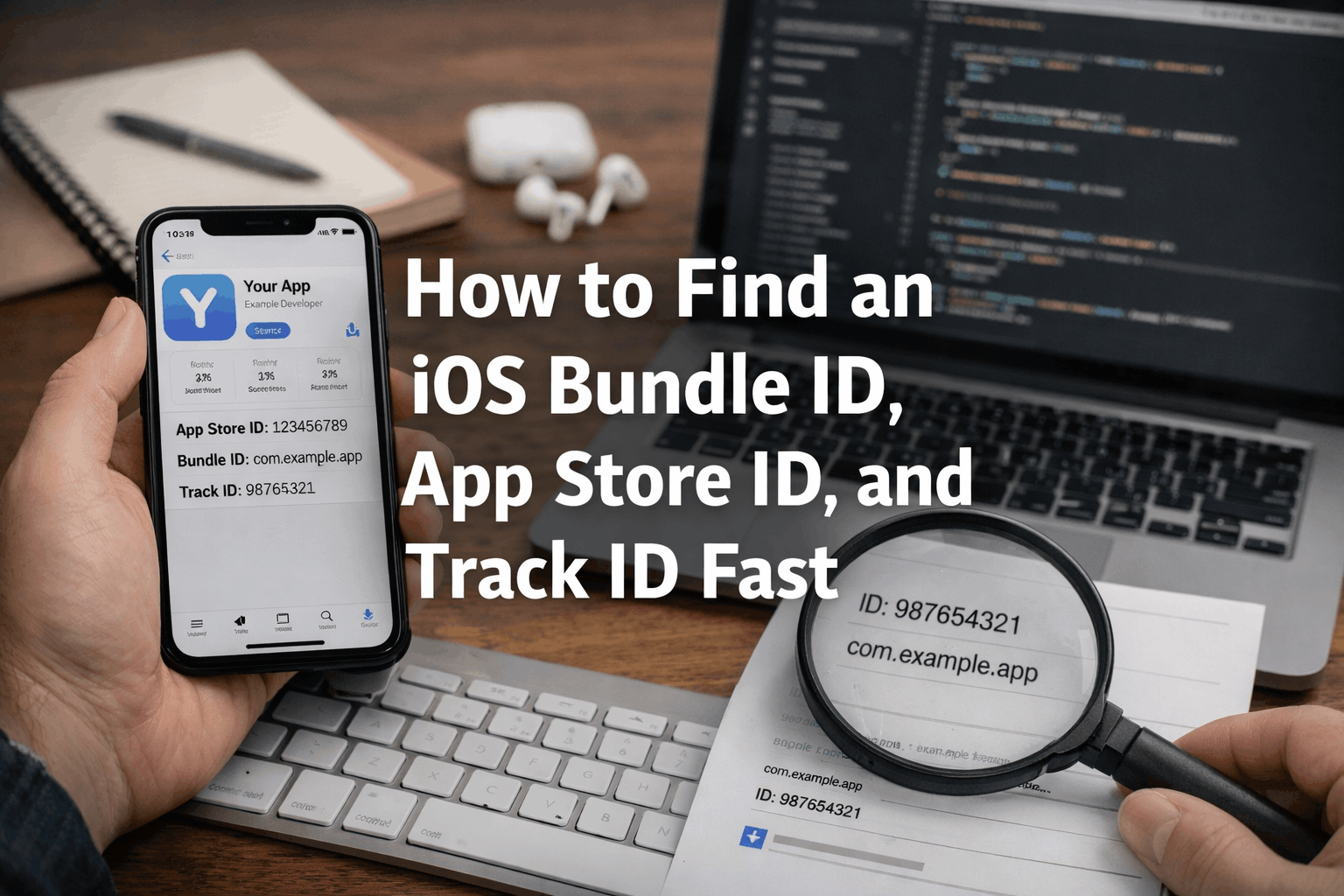
If you have ever needed to verify an iOS listing for QA, App Store optimization, competitor research, or support docs, you have probably gone hunting for three specific identifiers: the bundle ID, the App Store ID, and the track ID.
The fastest way to get all three is to use BetaDrop's App Store Bundle ID Finder. You can search by app name or paste an Apple URL, compare storefront matches, then open the exact listing to inspect ratings, release notes, screenshots, pricing, and raw JSON.
What is the difference between bundle ID, App Store ID, and track ID?
These labels are related, but they are not identical. Knowing the difference helps you pick the right identifier for the job.
| Identifier | Example | What it tells you |
|---|---|---|
| Bundle ID | com.company.app | The app's iOS package identifier used in Apple signing, provisioning, and metadata. |
| App Store ID | 324684580 | The numeric App Store listing identifier teams often use for links, support, analytics, or review checks. |
| Track ID | 324684580 | The numeric ID returned in Apple's public listing data. Many teams use App Store ID and track ID interchangeably. |
If you are debugging build signing or provisioning, the bundle ID is often the key value. If you are verifying a public listing, the App Store ID or track ID is usually what you need. For more on the signing side, see our guide to iOS provisioning profiles.
The fastest way to find an iOS bundle ID
A storefront-aware lookup tool is much faster than opening random App Store pages and guessing which result is correct.
- Open the App Store Bundle ID Finder.
- Type an app name like YouTube or Spotify, or paste an Apple App Store URL.
- If you are searching by name, pick the storefront that matters for your check.
- Review the matching results first so you do not open the wrong app with a similar name.
- Select View Details to inspect the bundle ID, App Store ID, track ID, screenshots, ratings, release notes, pricing, and raw JSON.
Search first, confirm the storefront, then open the exact listing. That sequence avoids most App Store lookup mistakes.
Search by app name or paste a URL
Search by app name
Search mode is best when you only know the brand or title. The tool returns related matches for the storefront you choose, which is useful when several apps share similar names or when the same company has multiple products.
Paste an Apple App Store URL
URL mode is best when a teammate, support ticket, or spreadsheet already contains a direct apps.apple.com link. Pasting the URL lets the lookup resolve the exact listing directly, which is usually the fastest route to the correct bundle ID and track ID.
Why storefront matching matters
App metadata can vary by country, and that is why this lookup flow is storefront-aware.
- Search rankings can change between the US, India, the UK, and other storefronts.
- Pricing, availability, and rating counts can differ by region.
- The app you expect may not be the first result in every country.
- QA, support, and ASO teams often need to verify the exact country listing before documenting or comparing data.
If your team checks public metadata before release, this is a useful complement to our guide on common iOS App Store rejection reasons.
What you can inspect after opening the exact listing
Once you select the right result, the detailed view is more than just a bundle ID checker.
- Bundle ID, App Store ID, and track ID in one place
- App name, seller, publisher, category, and minimum OS version
- Average rating, rating count, pricing, and release dates
- iPhone, iPad, Apple TV, and Apple Watch screenshots when available
- Description and release notes for version-by-version review
- Raw JSON for audits, exports, tooling, or internal reference docs
That combination is useful for developer relations, customer support, mobile QA, and marketing teams who need more than a single numeric identifier.
Common mistakes when checking App Store IDs
Assuming the first search result is correct
Large brands often have companion apps, region-specific variants, or publisher duplicates. Always compare the developer name and storefront before you open the detail view.
Using the wrong storefront
A US result and an India result can behave differently. If you are troubleshooting pricing, support complaints, or release timing, check the same country your users are seeing.
Mixing up bundle ID and track ID
The bundle ID is a string like com.company.app. The track ID is numeric. If you are working with signing, provisioning, or technical metadata, you probably need the bundle ID. If you are validating the public listing record, you may need the track ID.
Who uses an App Store bundle ID finder?
- QA teams checking the exact public listing before launch
- Support teams verifying the right app link for user guides
- ASO and growth teams comparing ratings, pricing, and categories
- Partnership and operations teams auditing publisher metadata
- Developers who need the bundle identifier for reference or debugging
FAQ
How do I find an iOS bundle ID from an App Store URL?
Paste the Apple URL into the App Store lookup tool. It can resolve the listing directly and show the bundle ID, numeric track ID, screenshots, ratings, release notes, and raw metadata.
Is App Store ID the same as track ID?
In most public App Store lookup workflows, yes. The numeric listing value is commonly exposed as trackId, and many teams refer to that same number as the App Store ID.
Can I find the exact app if several results look similar?
Yes. That is why the search view shows multiple matches first. Check the developer name, storefront, genre, pricing, and rating details before opening the full record.
Why would I need the raw JSON?
Raw JSON is useful when you want to audit fields, hand metadata to an internal tool, or save a record of what Apple's public listing data looked like at the time you checked it.
Summary
If you need to find an iOS bundle ID quickly, the best workflow is to search the App Store by name or URL, compare storefront matches, and open the exact listing before you copy any identifier.
That gives you the bundle ID, App Store ID, track ID, and the rest of the public metadata in one place. Start with BetaDrop's App Store Bundle ID Finder and inspect the exact listing in a few clicks.
