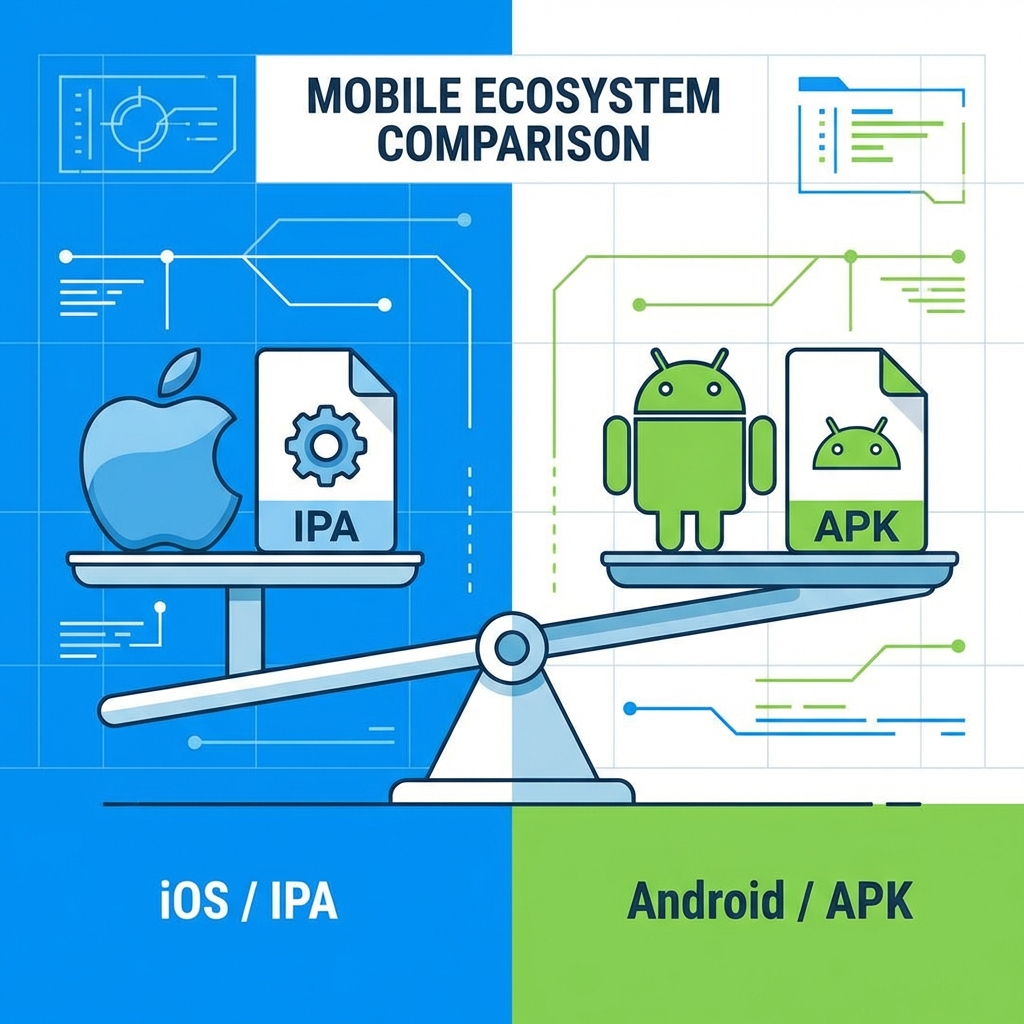
If you are new to mobile development, you'll see these two acronyms everywhere.
IPA (iOS App Store Package)
Platform: iOS, iPadOS.
Structure: It is a zipped folder containing the compiled binary, an Info.plist file, app icons, and the provisioning profile (`embedded.mobileprovision`).
Encryption: IPAs downloaded from the App Store are encrypted with Apple's FairPlay DRM. You cannot just copy them to another computer. IPAs signed for Development or Ad Hoc are not encrypted in the same way.
APK (Android Package Kit)
Platform: Android.
Structure: Also a zipped folder. It contains AndroidManifest.xml, resources (`res/`), and the compiled code (`classes.dex`).
The Evolution: AAB
Modern Android development uses AAB (Android App Bundle) for uploading to Google Play. However, the AAB is not installable directly. Google Play takes the AAB and splits it into smaller, optimized APKs for the user's specific device.
Can you convert one to the other?
No.
While frameworks like React Native or Flutter allow you to write ONE codebase that exports to both, the final files are completely different languages.
- Android uses Java/Kotlin (Dalvik Bytecode).
- iOS uses Objective-C/Swift (Native ARM Machine Code).
You cannot run an APK on an iPhone any more than you can put a PlayStation disc into an Xbox.
