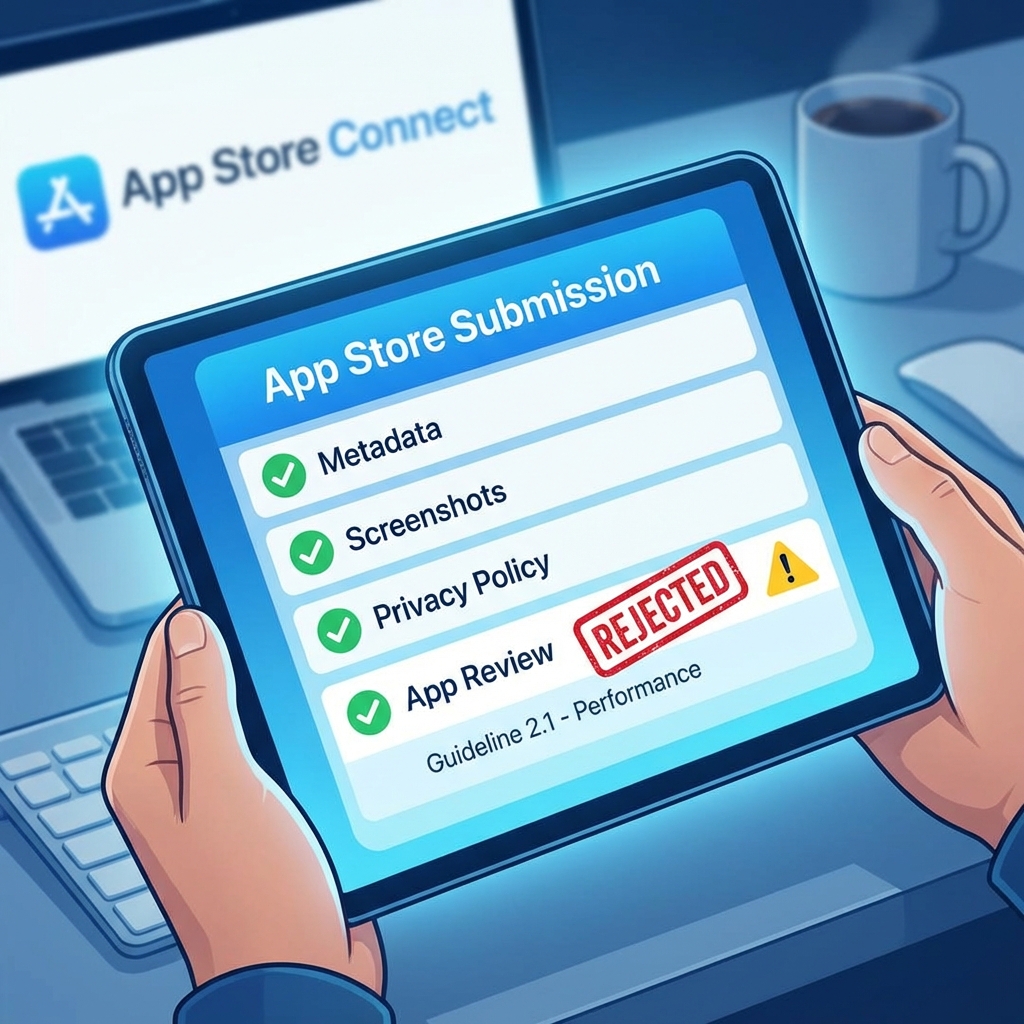
"Guideline 2.1 - Performance: App Completeness."
If you've seen this message, you know the pain. Getting rejected by the App Store is a rite of passage for iOS developers. However, most rejections are avoidable if you know what to look for.
Here are the top 10 reasons iOS apps are getting rejected in 2026.
1. Crashes and Bugs (Guideline 2.1)
The #1 reason. If your app crashes when the reviewer opens it, it's an instant rejection.
Fix: Test strictly on real devices, not just the simulator. Support IPv6 networks.
2. Broken Links / Placeholder Content
Do not submit an app with "Lorem Ipsum" text or "Coming Soon" buttons. Every button must work. Make sure your "Privacy Policy" and "Support" links in the metadata are active URLs.
3. Asking for Permissions Too Early (Guideline 5.1.1)
Don't ask for Camera, Location, or Notification permission as soon as the app launches. Users will deny it, and Apple will reject you.
Fix: Ask for permission in context, right when the user tries to use the feature.
4. Incomplete In-App Purchase Information
If you have subscriptions, you MUST disclose the price, duration, and cancellation terms clearly in the UI. Failing to include a "Restore Purchases" button is also a common rejection.
5. Web-Based Apps (Guideline 4.2)
"Your app is primarily a web view." Apple hates wrappers. If your app doesn't use native features (Push, Camera, Core Location) and just loads a website, use Safari instead.
6. User Generated Content (UGC) Violations
If users can post content, you MUST have:
- A block mechanism.
- A report mechanism.
- Terms of Service agreeing to no abusive content.
7. Misleading Metadata
Don't use screenshots from a different app. Don't mention "Android" or "Google" in your description. Don't promise features that aren't there.
8. Privacy Policy Issues
Your privacy policy must specifically state what data you collect and how you use it. It cannot be a generic template.
9. Submitting Test/Demo Mode Code
Don't leave "Debug Mode" enabled or have a "Test Login" button visible in the production build.
10. Account Deletion Requirement (Guideline 5.1.1(v))
Since 2022, if your app allows account creation, it MUST allow account deletion from within the app. Just a link to email support is often not enough; it needs to be an easy automated flow or a direct deep link.
Summary
Read the guidelines. Test on a real device. Be transparent about data. If you follow these three rules, your approval chances skyrocket.
