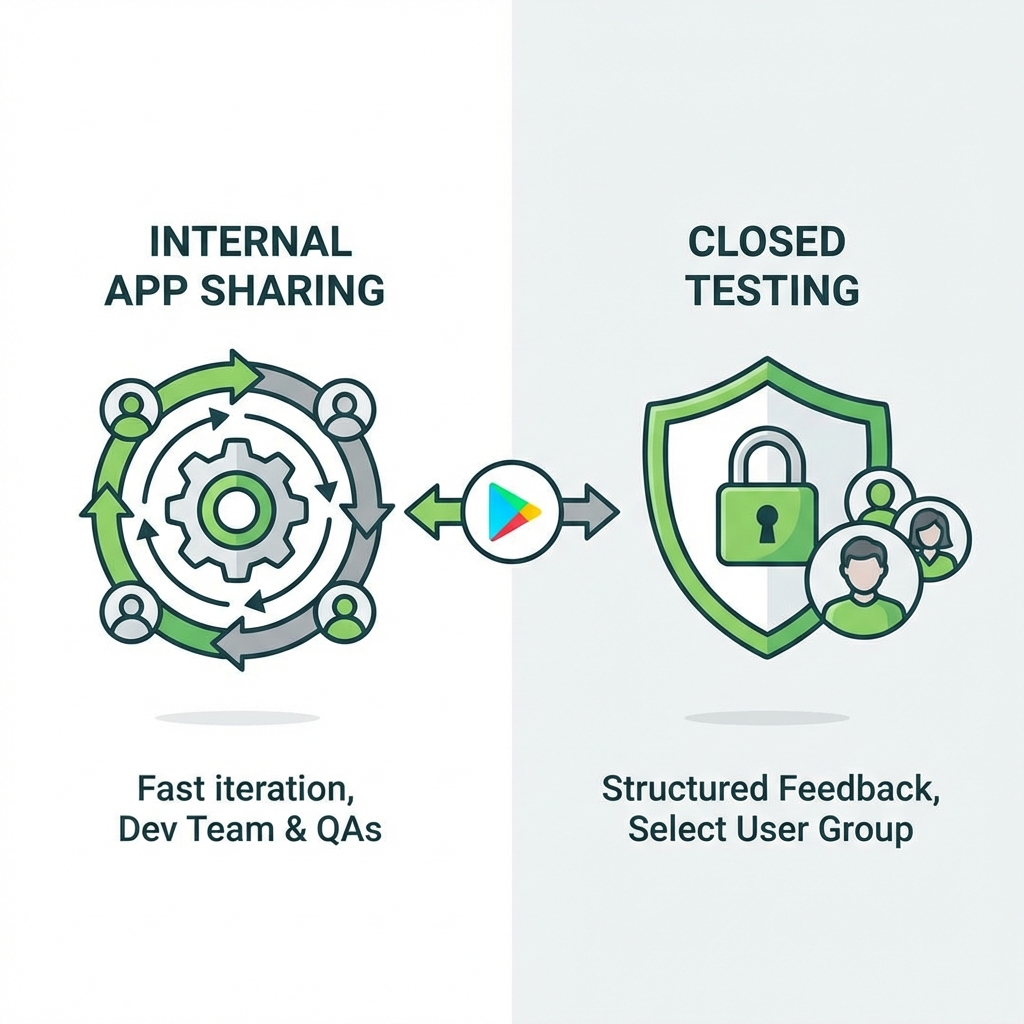
The Google Play Console offers a confusing array of testing tracks: Internal, Closed, Open, and a separate tool called Internal App Sharing.
Many developers confuse the "Internal Testing Track" with "Internal App Sharing". They sound similar, but they serve completely different purposes. This guide clarifies when to use which.
1. Internal App Sharing
Think of this as "Quick & Dirty" distribution.
- Purpose: Sharing ad-hoc builds with QA or fellow developers instantly.
- Speed: Instant. No processing time. No review.
- Versioning: Version codes don't matter. You can upload the same version code twice.
- Requirement: Useful for checking a specific bug fix (e.g., "Hey, does this APK fix the login crash?").
2. Closed Testing (Alpha/Beta)
Think of this as "Formal Staging".
- Purpose: Testing a release candidate with a trusted group of users before production.
- Speed: Slower. Builds must be reviewed by Google (though usually faster than production review).
- Versioning: Strict unique version codes required.
- Requirement: Useful for end-to-end testing of the actual release artifact.
Key Differences Table
| Feature | Internal App Sharing | Closed Testing Track |
|---|---|---|
| Google Review | None (Instant) | Required |
| User Limit | 100 downloads | Typically 2,000+ (per list) |
| Promote to Prod? | No | Yes |
| Config | Upload via Web | Upload via Console or API |
Workflow Recommendation
For Daily Development: Use Internal App Sharing. It’s fast and doesn't clutter your release tracks.
For Release Candidates: Once you think a build is "Gold", upload it to the Closed Testing track. Let your QA team verify it there. If it passes, you can click "Promote to Production" with one button, ensuring the exact same binary goes live.
