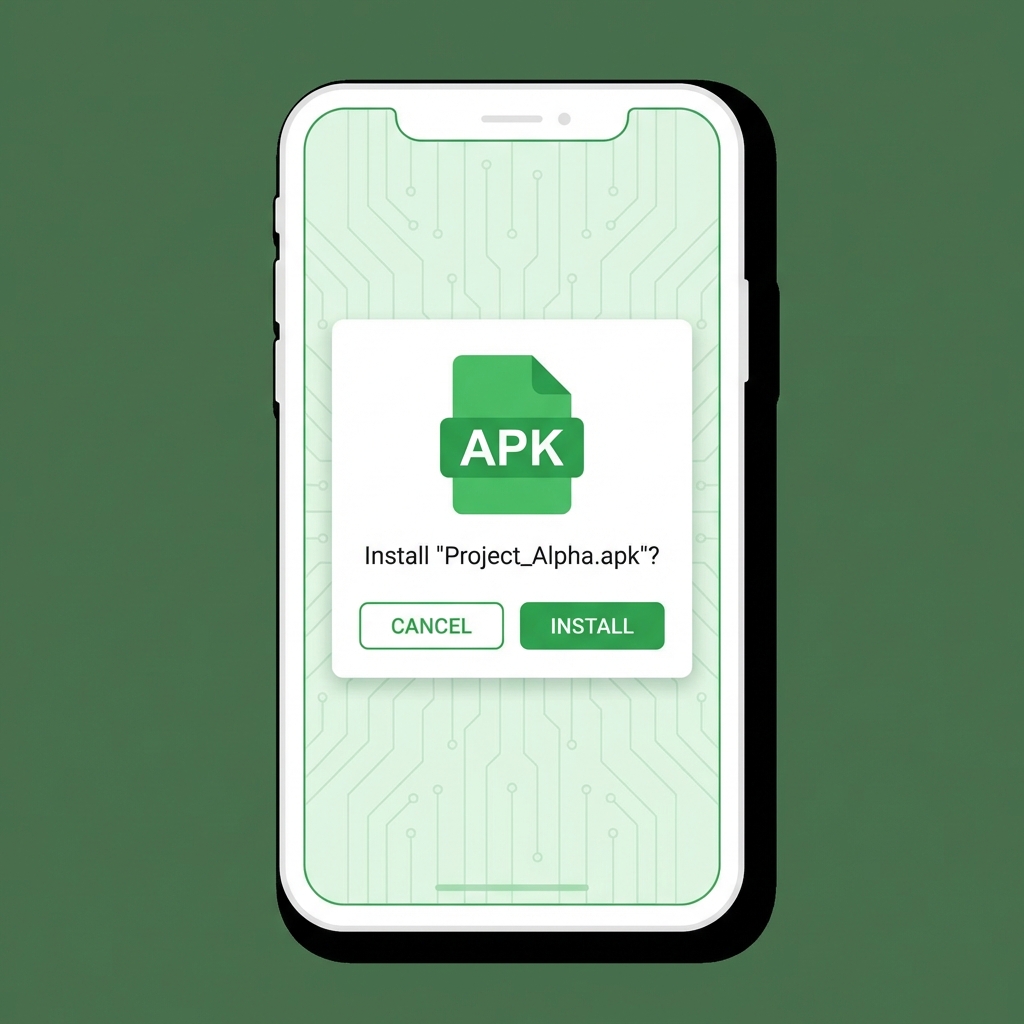
Android is famous for its openness, and one of the best features is the ability to install apps from anywhere—not just the Google Play Store. This process is called sideloading.
Whether you are a beta tester trying out a new app from a developer, or you want to install an app that isn't available in your country, knowing how to install an APK file is an essential Android skill.
What is an APK?
APK stands for Android Package Kit. It is the file format used by Android to distribute and install applications. Think of it like an .exe file on Windows or a .dmg on Mac.
Step 1: Download the APK
First, you need the file. You might get it from:
- A developer's website or email.
- A beta testing platform like BetaDrop.
- A third-party app store like APKMirror or F-Droid.
Warning: Be careful where you download from! Malicious APKs can steal your data.
Step 2: Enable "Install from Unknown Sources"
For security, Android prevents your browser (e.g., Chrome) or file manager from installing apps by default. You need to authorize it.
On Android 8.0 (Oreo) and newer:
- Tap on the downloaded APK file notification.
- A popup will appear saying "For your security, your phone is not allowed to install unknown apps from this source."
- Tap Settings.
- Toggle on Allow from this source.
- Go back and tap Install.
On Android 7.0 and older:
- Go to Settings > Security.
- Check the box for Unknown Sources.
- confirm the warning.
Step 3: Install the App
Once you've granted permission, the installation screen will appear. It will show you the app's name and icon.
- Tap Install at the bottom right.
- Wait for the progress bar to finish.
- Tap Open to launch the app immediately, or Done to close the installer.
Troubleshooting Installation Errors
"App not installed" Error
This is the most common error. It usually happens because:
- Corrupted File: The download didn't finish. Try downloading it again.
- Incompatible Version: The app requires a newer version of Android than you have.
- Signature Conflict: You already have the app installed, but signed with a different key (e.g., Play Store version vs. Beta version). You must uninstall the existing version first.
Conclusion
Installing APKs gives you freedom and access to a wider world of apps. Just remember the golden rule: only install files from sources you trust.
