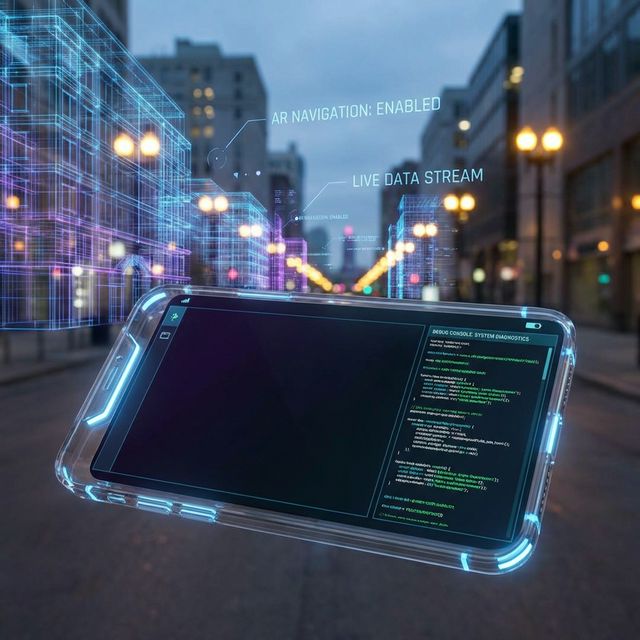
As mobile devices become powerful enough to render complex Augmented Reality (AR) and Virtual Reality (VR) experiences, testing these applications requires a paradigm shift. It's not just about functional testing anymore; it's about immersion, spatial accuracy, and user comfort.
The Unique Challenges of Immersive Testing
Unlike traditional 2D apps, AR/VR apps interact with the physical world or create entirely new ones. A button press in a standard app is binary (it works or it doesn't). In AR, a virtual object might "drift" away from its anchor, flicker, or occlude important real-world information.
Testers need to move. They need to walk around, change lighting conditions, and test in cluttered environments.
1. Testing for Physical Environment Variables
AR apps rely on sensors (LiDAR, cameras, gyroscope) to map the world. Your testing strategy must include:
- Lighting Conditions: Test in bright sunlight, dim indoor lighting, and artificial light. shadows can trick depth sensors.
- Surface Textures: ARKit and ARCore struggle with reflective surfaces (glass, mirrors) or plain white walls.
- Motion & Stability: Shake the device. Move specifically fast. Does the tracking hold?
2. Performance & Thermal throttling
Rendering 3D assets at 60fps (or 90fps/120fps for VR) is computationally expensive.
Thermal Testing Checklist:
1. Sustained Usage: Run the AR session for 15+ minutes. Does the framerate drop?
2. Device Heat: Does the device become uncomfortably hot to hold?
3. Battery Drain: Measure battery consumption per minute of active AR usage.
3. User Comfort and Motion Sickness (VR)
For VR apps (even mobile-based ones), maintaining high framerates is non-negotiable. Drops in FPS can cause immediate nausea (simulator sickness).
Comfort Zones: Ensure UI elements are placed within the user's comfortable viewing range (usually 0.5m to 20m). Avoid placing text too close or too far.
4. Testing with Real Devices vs. Simulators
While Xcode and Android Studio offer AR simulators, they cannot replace real-world testing.
You cannot simulate the chaos of the real world. You need to test on the widest range of supported devices possible, as LiDAR sensors on the latest iPhone Pro will behave very differently from a standard camera on an older Android device.
Conclusion
AR/VR testing is as much about the physical world as it is about the code. By expanding your QA process to include environmental variables and physiological comfort, you ensure that the magic of immersion isn't broken by a glitch.
